If you have recently upgraded to Magento 2.2 or are working on a site using this version, you might encounter a frustrating error: Exception #0 (InvalidArgumentException): Unable to unserialize value. This usually triggers when you perform actions like adding a product to a comparison list, submitting a review, or even during a routine database upgrade.
This error occurs because Magento 2.2 transitioned from using PHP's native serialize() and unserialize() functions to JSON serialization for better security. When the system encounters data still stored in the old PHP format, the new JSON serializer fails, throwing the exception. In this guide, we will walk through the most effective ways to resolve this issue.
1. Clear Your Redis Cache
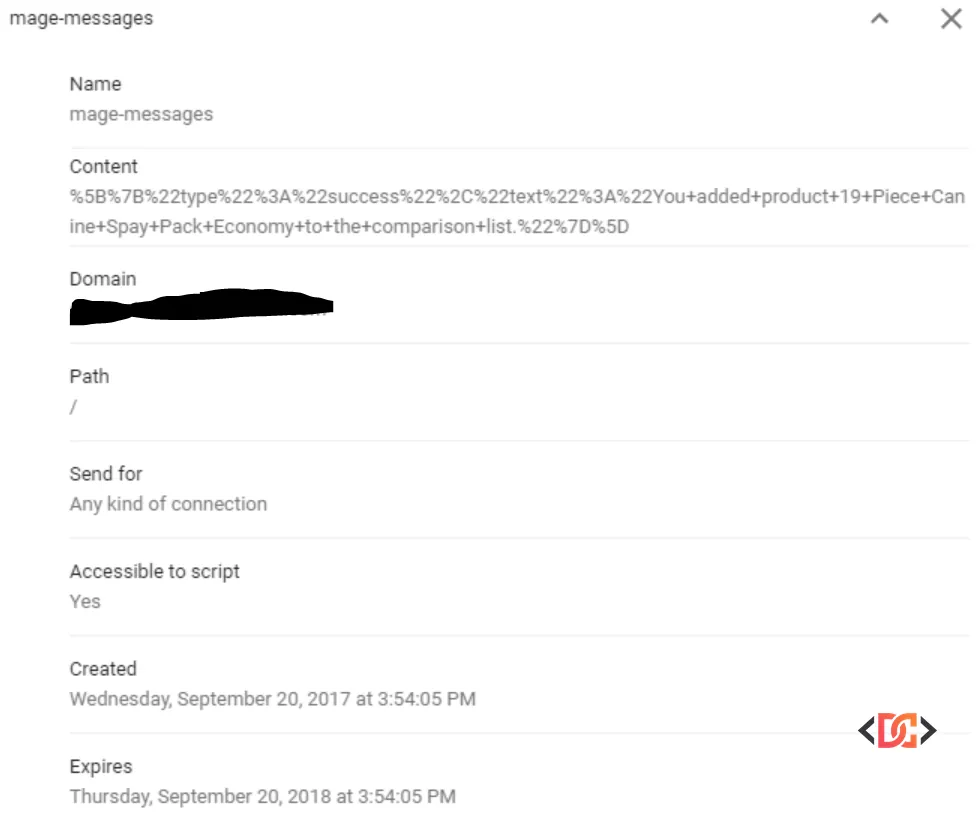
In many cases, the 'Unable to unserialize' error is caused by stale data living in your Redis cache. If your cache contains strings serialized with the old PHP method, the system will crash when trying to read them as JSON.
The quickest fix is to flush your Redis cache via the command line:
redis-cli flushall
If you are using a specific port for your Redis instance (e.g., 6379), use:
redis-cli -p 6379 flushall
2. Check File Permissions and Umask
Sometimes, the issue isn't the data itself but the system's ability to write or read generated files. If Magento cannot correctly access its generated metadata, it may fail to process serialized values.
You can resolve this by ensuring your magento_umask is set correctly in the root directory. Create a file named magento_umask in your Magento root and set it to 002 or 022 depending on your server environment. This ensures that files created by the web server and the command line have compatible permissions.
3. Implement a Custom Serializer Preference
If the error persists after clearing the cache, it is likely that your database contains legacy serialized strings that the JSON serializer cannot handle. While you could manually update the database, a more robust solution is to create a preference that allows Magento to handle both formats temporarily.
Warning: Do not edit core files directly. Instead, create a custom module and add a preference in your etc/di.xml:
<preference for="Magento\Framework\Serialize\Serializer\Json" type="Namespace\ModuleName\Serialize\Serializer\Json" />
Then, create the class Namespace\ModuleName\Serialize\Serializer\Json.php and implement logic to detect if a string is PHP-serialized before attempting to decode it as JSON:
<?php
namespace Namespace\ModuleName\Serialize\Serializer;

class Json extends \Magento\Framework\Serialize\Serializer\Json
{
    public function unserialize($string)
    {
        if ($this->is_serialized($string)) {
            return unserialize($string);
        }

        $result = json_decode($string, true);
        if (json_last_error() !== JSON_ERROR_NONE) {
             throw new \InvalidArgumentException('Unable to unserialize value.');
        }
        return $result;
    }

    private function is_serialized($value)
    {
        return ($value === 'b:0;' || @unserialize($value) !== false);
    }
}
4. Verify Environment and Database Integrity
There are a few edge cases that can also trigger this exception. If the above steps don't work, check these three areas:
Missing Crypt Key
Ensure that your app/etc/env.php file contains a valid crypt key. If this key was lost during a migration or environment change, Magento will fail to decrypt and unserialize certain values.
'crypt' => [
    'key' => 'your-unique-key-here'
],
Database Column Length
If you have a very large configuration or snapshot, the data might be getting truncated in the database. For example, if the flag_data column in the flag table is set to TEXT, try changing it to MEDIUMTEXT to ensure the full serialized string is saved.
CMS Widget Formatting
If you see this error only on specific CMS pages, it might be due to a malformed widget tag. Try deleting the widget code from the CMS content and re-inserting it using the "Insert Widget" button in the admin panel. This ensures the syntax matches the requirements of Magento 2.2.
Wrapping Up
The "Unable to unserialize value" error is almost always a byproduct of the shift toward JSON serialization in Magento 2.2. Start by flushing your Redis cache and checking your permissions. If the error remains, implementing a custom serializer preference is the most reliable way to bridge the gap between legacy data and modern requirements. By following these steps, you can restore your site's functionality and ensure a smoother experience for your users.